Sponsors, from the first yes to the logo on the screen
Sponsorship levels on your event page, logos collected and checked, benefits tracked, and every sponsor on the screen during the appeal.
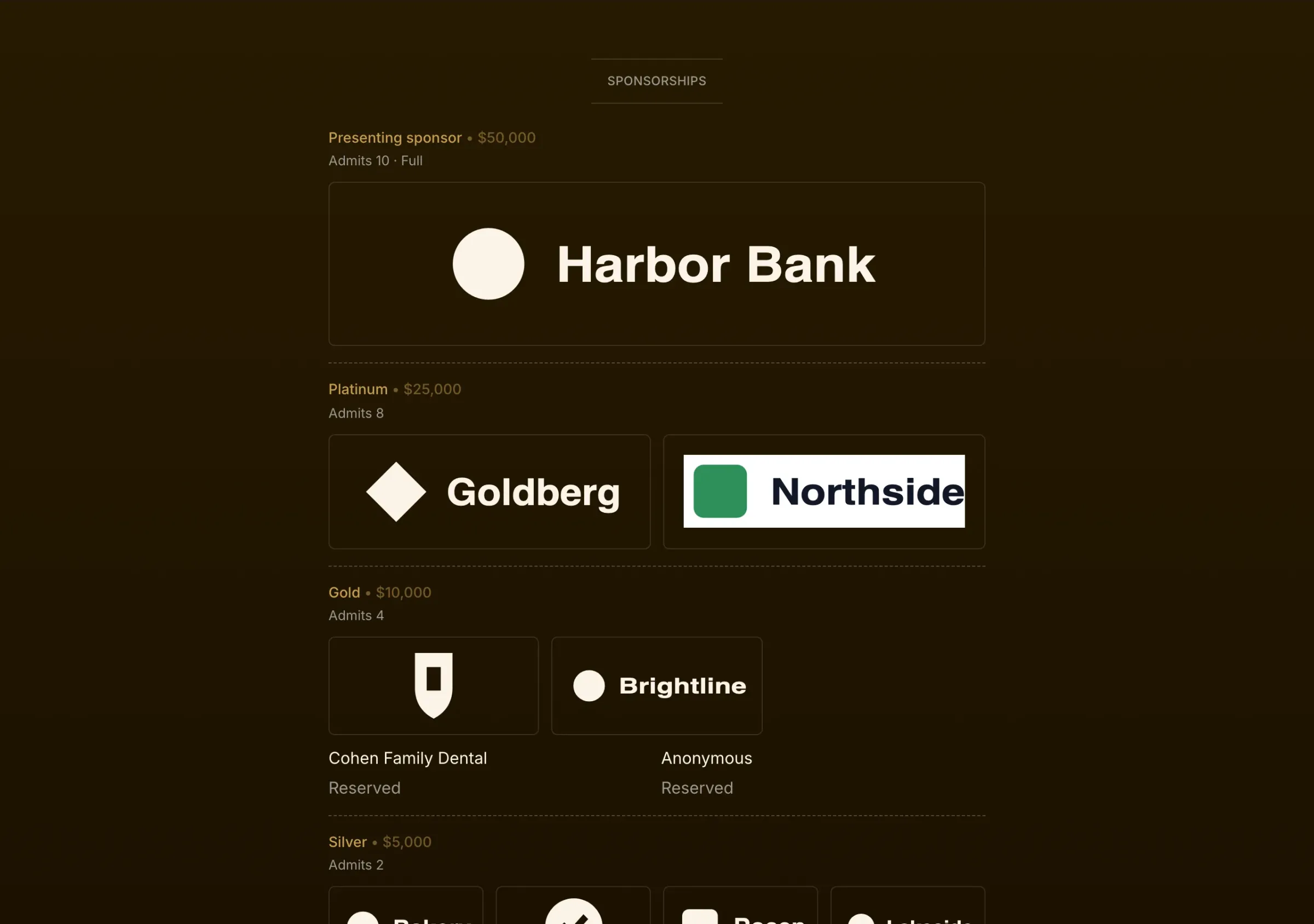
How it works on your event
Levels and what they include
Set each level’s price, its number of places and the seats it includes. One table compares the perks across every level.
Places held and places left
Hold places for sponsors who said yes before they pay. The event page shows each level, its perks and how many places are left.
Logos without the email chain
Each sponsor uploads their logo from their order page before your deadline. You approve it or ask for another, and one-color logos take your page’s colors.
Benefits checked off
Track what each sponsor gets, such as a logo, a journal ad, a table or a mention from the podium, and check each one off as it’s delivered.
Paid, owed or complimentary
Record a sponsor who pays by check or invoice. What they owe shows until you mark it paid, and the gift is booked then.
A table with their name on it
A level that includes a table gets one in seating, labeled with the sponsor’s name.
3 steps to set it up
- 1
Set your levels, their perks and how many places each has.
- 2
Record sponsors as they commit, paid or owed.
- 3
Collect logos, deliver the benefits and show the sponsors on the night.
Frequently asked
How do sponsors send their logo?
From their own order page, before the deadline you set. Ovante reminds anyone who hasn’t sent one, and you approve each logo before it appears.
Can a sponsor stay anonymous?
Yes. An anonymous sponsor appears with no name, logo or link on the page and the screen.
The rest of the night
Every part shares one guest list, on one price per event.
Tickets and tables
Ticket types, full tables, giving at checkout, and checks, Zelle or card.
Tribute journal
Ad sizes and prices, artwork uploads with deadlines, review, one download.
Seating
Parties kept together, AI that reads requests, auto-seat, place cards.
Paddle raise
The appeal on the big screen, paddles entered by phone, pledges collected after.
Check-in
Scan with any phone, check in whole parties, keep going offline.
Planning a gala?
Tell us the date and the size of the room, and we’ll walk you through it on your own event.
Talk to us